
Skip to content

RegumWeb Software

Released

Regum Music

Your music. No subscription. Your control.

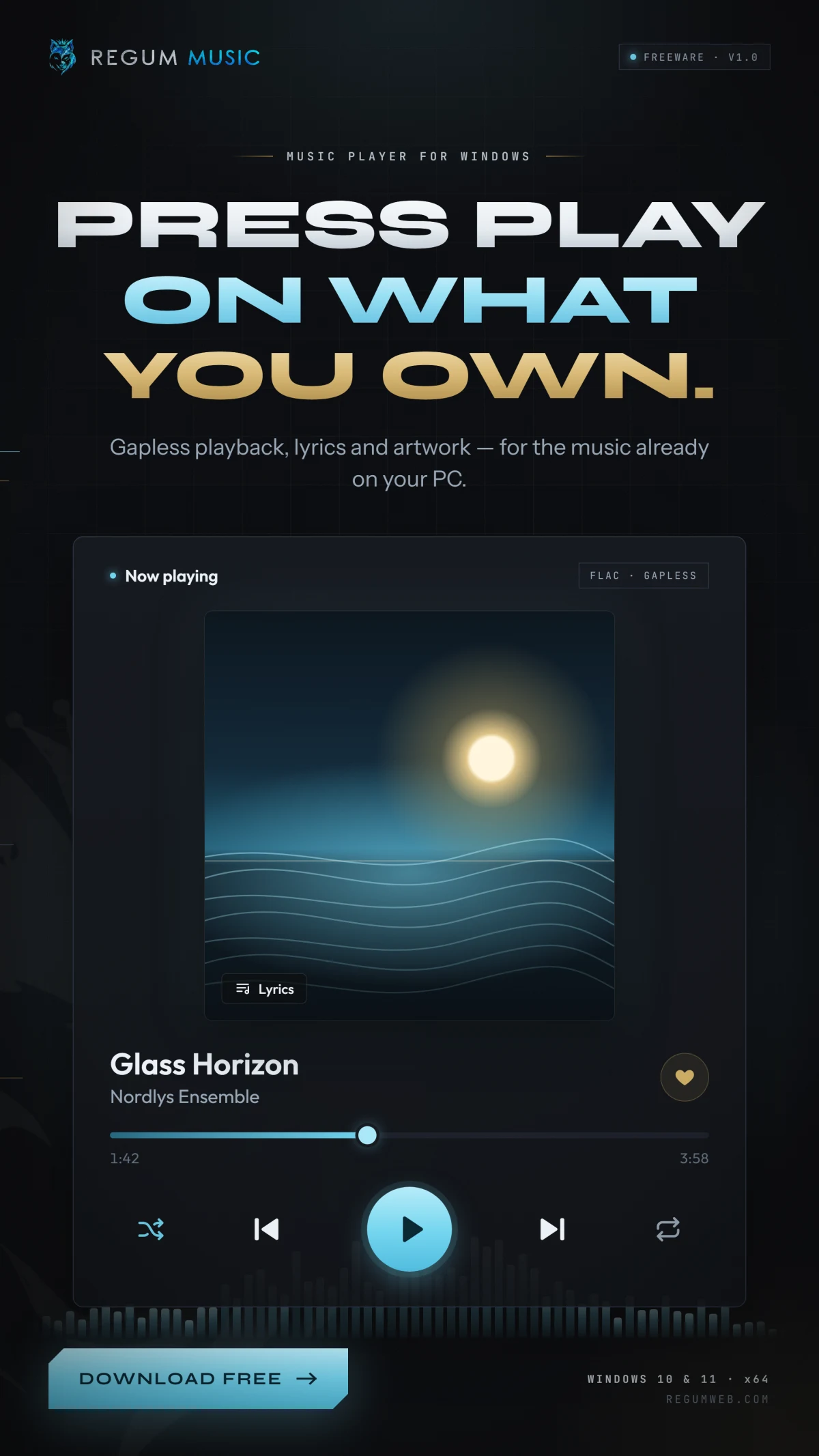
Regum Music is a free local music player for Windows 10 and 11 x64. Bring together the songs already on your computer, find the next track quickly, and listen offline without an account or subscription. Your audio stays in its own folders.

Download for Windows — free

Windows 10 / 11 · x64 Version 1.0.0 10.36 MiB

Regum Music — Your music. No subscription. Your control.

About the application

Your music. No subscription. Your control.

Build playlists, fine-tune the sound and switch between a full player and a compact mini player. Library corrections, favourites and listening history stay with your profile. Optional YouTube audio downloads and MCP/ACP connections to an AI assistant are available when you choose to set them up; local playback works independently.

Made for your workflow

What you can do.

  • Play MP3, FLAC, WAV, Ogg Vorbis, AAC/M4A and AIFF files from your own library.
  • Browse songs, albums, artists, genres and folders; search, rate tracks and save favourites.
  • Edit song, album and artist details inside the library, with corrections preserved through rescans.
  • Enjoy gapless playback, crossfade, ReplayGain and a five-band equalizer with saved presets.
  • Create ordered playlists, import or export M3U/M3U8, and shape the queue with Play next, repeat and smart shuffle.
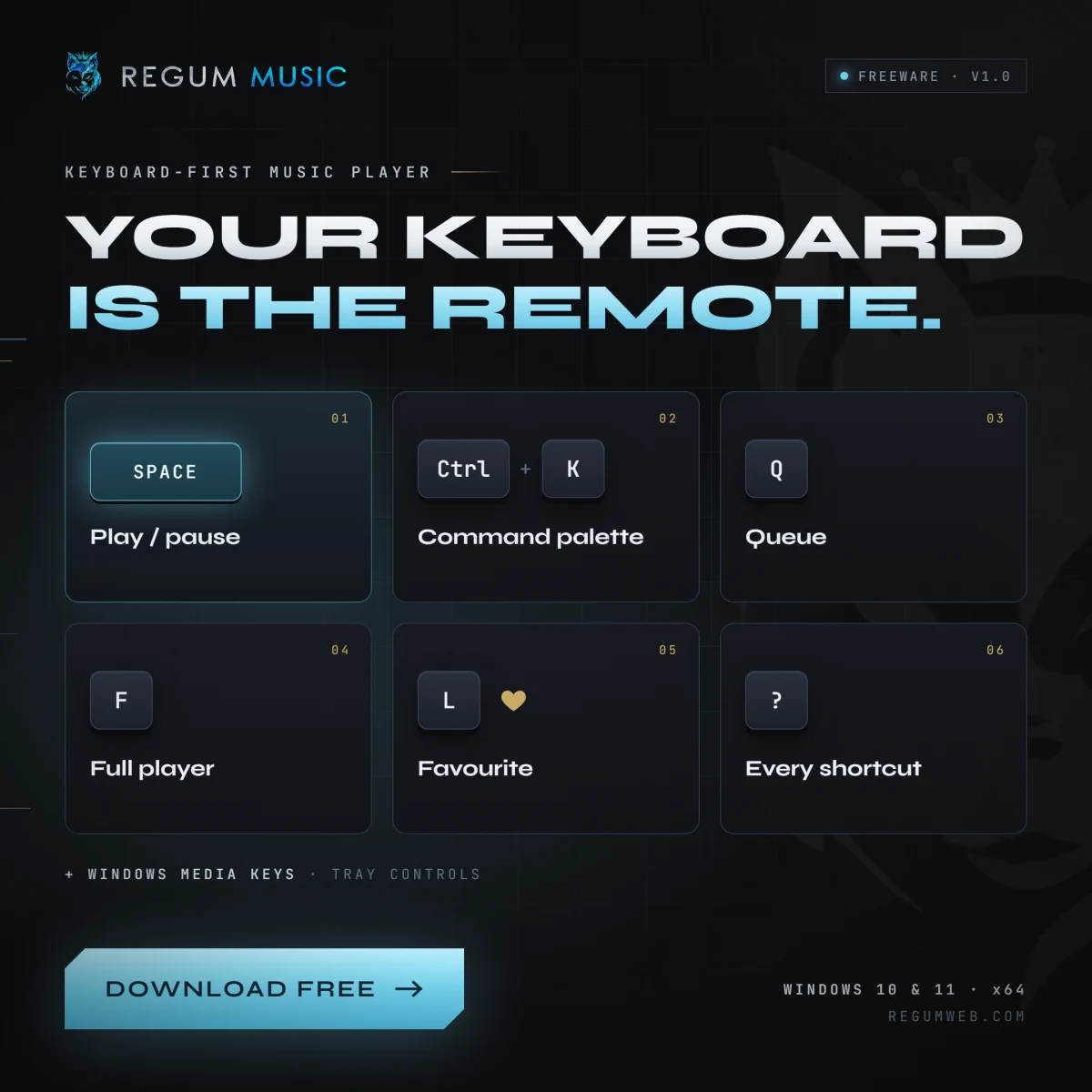
  • Use keyboard shortcuts, Windows media keys, system media controls and notification-area controls.
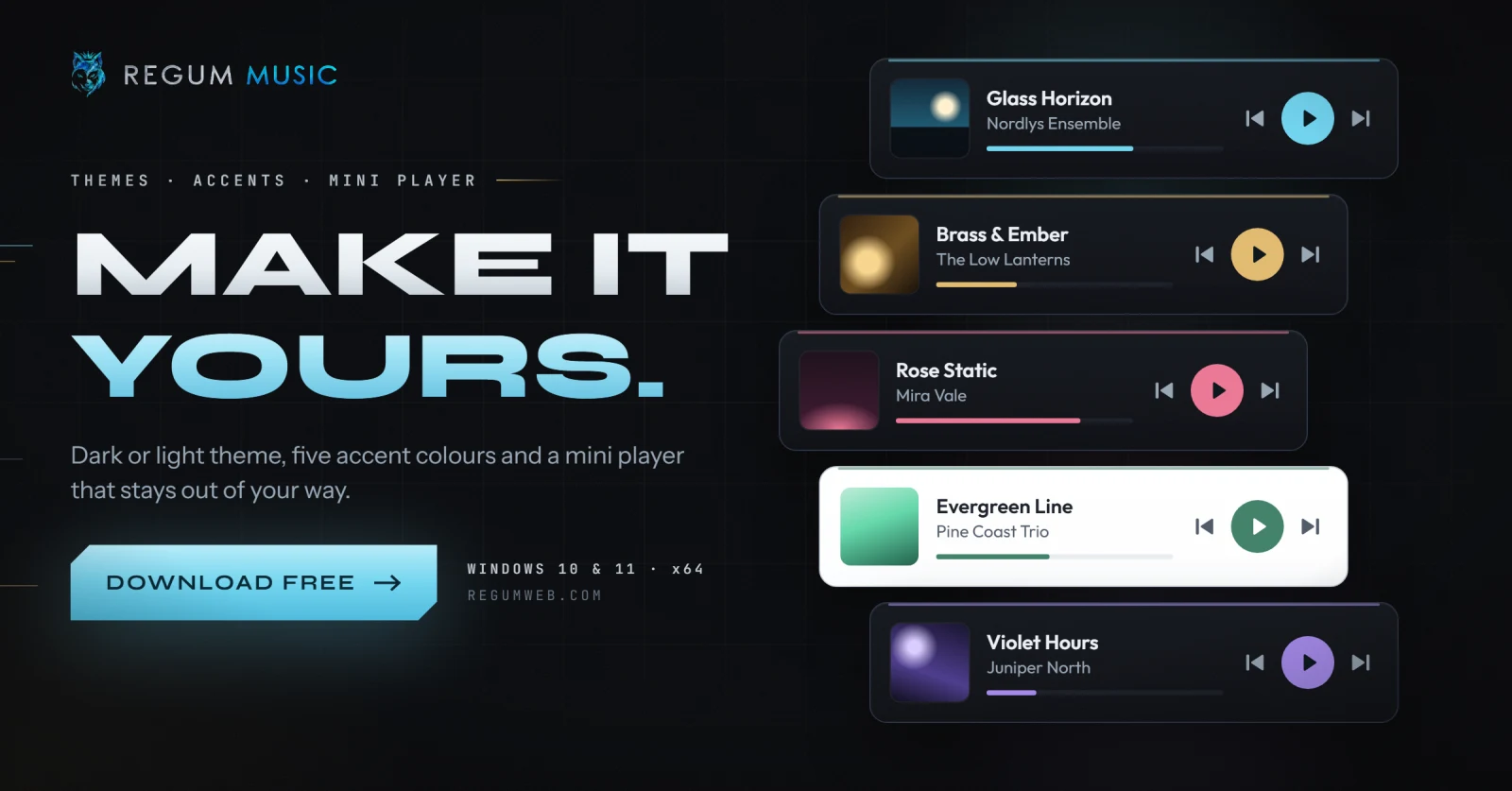
  • Choose dark or light themes, five accent colours, embedded lyrics, a mini player and a sleep timer.
  • Keep your music files intact: automatic missing-file cleanup removes library entries without deleting audio.
  • Optionally connect an AI assistant through MCP or ACP, or use the built-in YouTube audio download workflow.

A closer look

Open any image to view it at full size.

Release notes

Version 1.0.0

Regum Music 1.0.0 is now publicly available as a Windows x64 installer signed by RegumWeb OÜ. Freeware for personal and business use. This release includes automatic missing-file cleanup, song/album/artist metadata editing, playlist and queue improvements, and playback fixes. Close Regum Music and connected AI clients before upgrading, and back up your existing profile. The installer preserves your library, playlists and settings; uninstalling preserves the profile too. Supported audio formats are MP3, FLAC, PCM WAV, Ogg Vorbis, AAC/M4A and AIFF. DRM-protected audio is not supported. Online downloads and optional third-party AI connections require their own setup and network access.

Keep exploring

More from RegumWeb.

All software
RegumVPS
Upcoming

RegumVPS

Your servers, clearly connected.

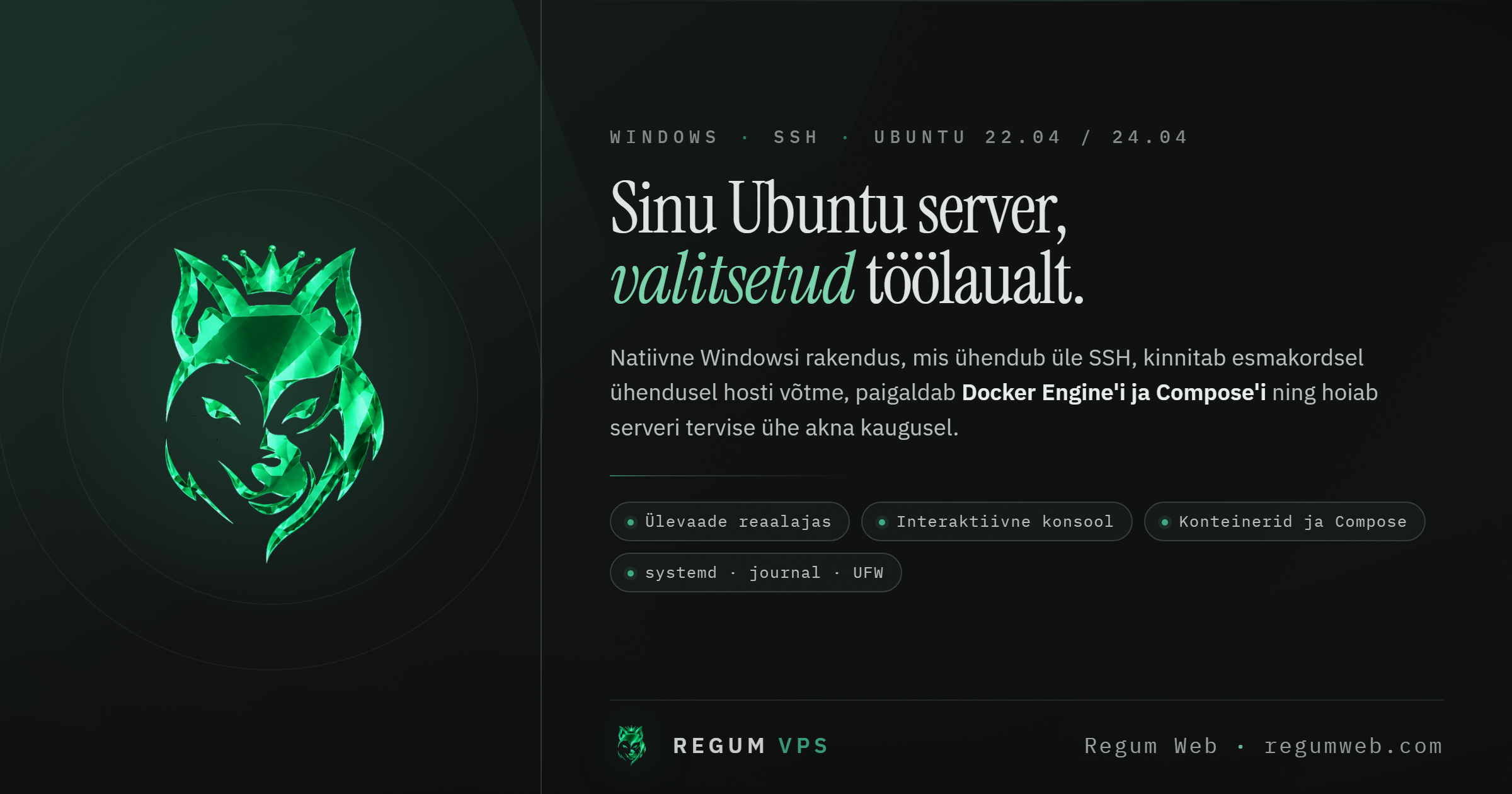
Bring server health, SSH, Docker and Compose into one clear workspace. Connect an AI assistant through MCP to use the same server-management tools with explicit access controls.

  • MCP connectivity for AI-assisted server workflows
  • Server health, SSH and Docker/Compose in one place
  • Connection profiles, host-key verification and operating-system credential storage
Platforms
Windows
Release date
TBA

Installer downloads will appear here when this product is released.

Regum Web Doctor
Upcoming

Regum Web Doctor

Understand your website. Know the next step.

A local-first Windows workstation for WordPress, WooCommerce and website diagnostics. Collect bounded observations, compare scan history and export structured reports. Optional RegumAI employee integration can request scans and read selected findings.

  • Website, WordPress and WooCommerce diagnostics with supporting observations
  • Optional authenticated WordPress REST and companion-plugin checks
  • Scan history, comparisons and JSON, HTML, PDF, CSV or Markdown reports
Platforms
Windows
Release date
TBA

Installer downloads will appear here when this product is released.
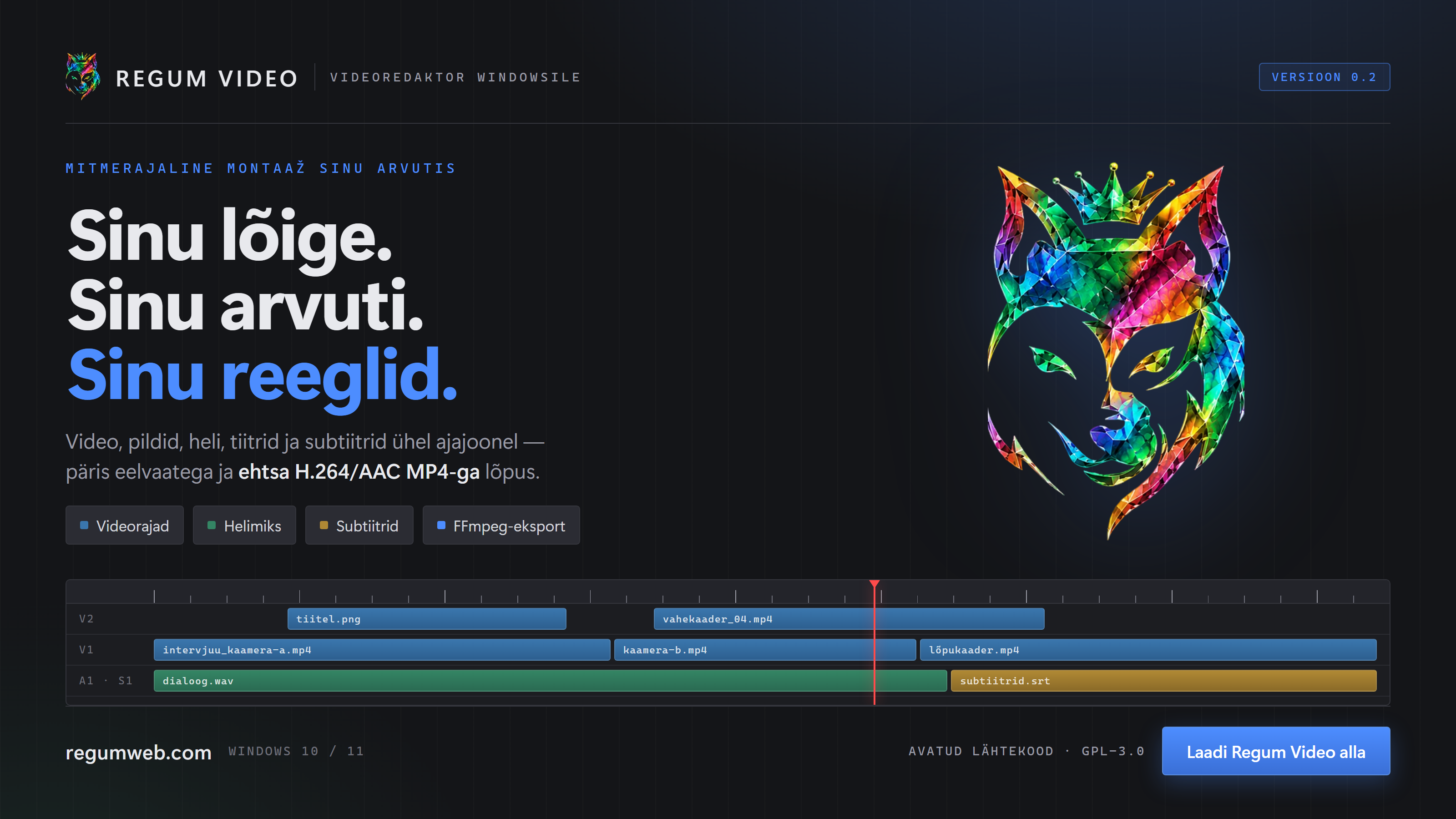
Regum Video
Upcoming

Regum Video

From timeline to finished video.

A Windows video editor with a multitrack timeline, transitions, effects, subtitles and H.264/AAC export. Recovery tools help protect editing work; local release candidates are undergoing distribution acceptance.

  • Multitrack timeline editing with transitions and effects
  • Styled subtitles and useful keyboard shortcuts
  • H.264/AAC export, automatic encoder selection and proxies
Platforms
Windows
Release date
TBA

Installer downloads will appear here when this product is released.