Released
Regum Music
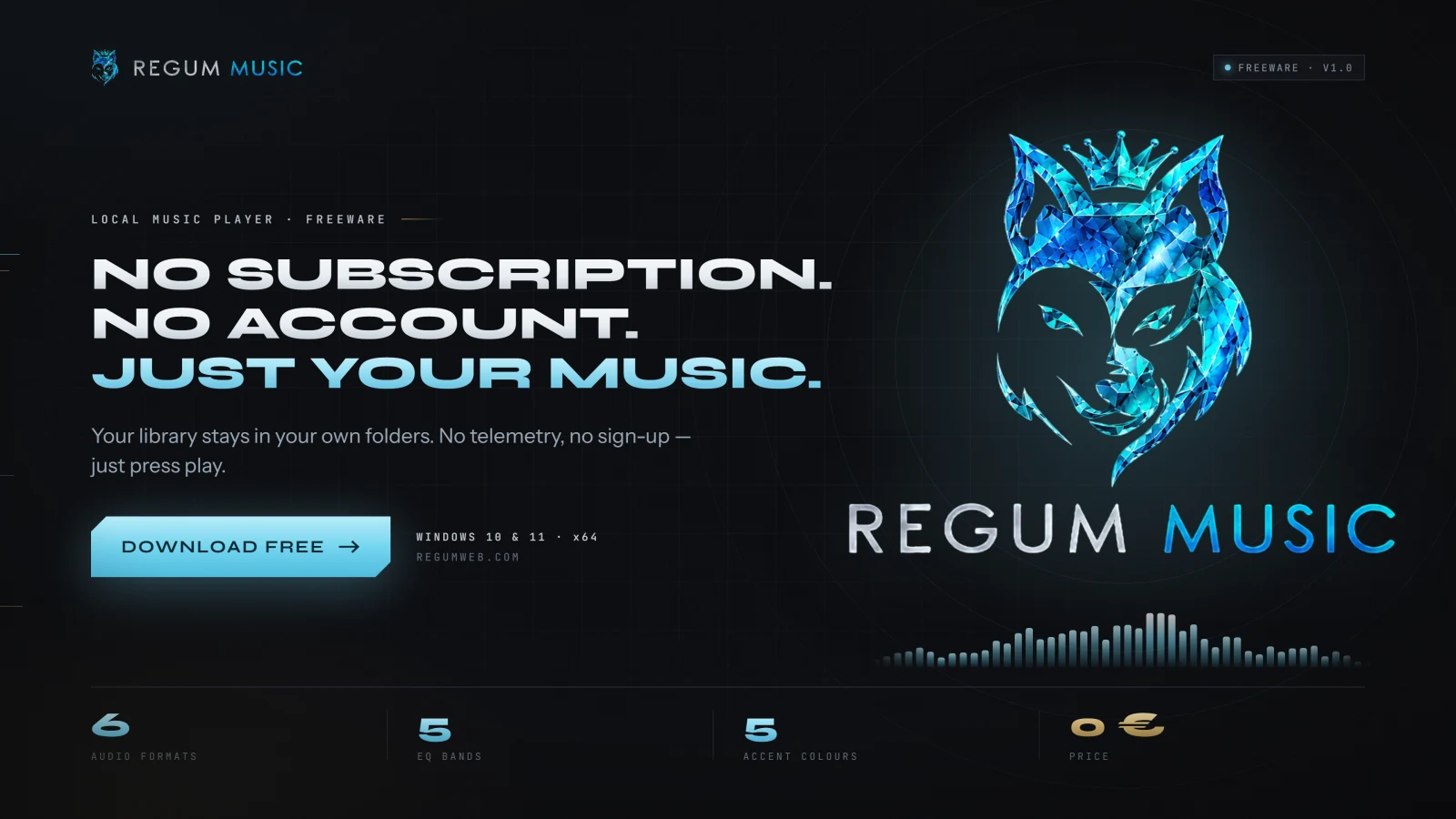
Your music. No subscription. Your control.
Regum Music is a free local music player for Windows 10 and 11 x64. Bring together the songs already on your computer, find the next track quickly, and listen offline without an account or subscription. Your audio stays in its own folders.
- Play MP3, FLAC, WAV, Ogg Vorbis, AAC/M4A and AIFF files from your own library.
- Browse songs, albums, artists, genres and folders; search, rate tracks and save favourites.
- Edit song, album and artist details inside the library, with corrections preserved through rescans.
- Platforms
- Windows 10 / 11 · x64
- Release date
- 22.10.2026
Download for Windows — free
Version 1.0.0 10.36 MiB
Installer checksum
Verify published checksums before installing.
SHA-256: 7d1c8f091298c615107205454f3571d51a393c6b8f5e9adbebdeb5c9bb6542dc
Release notes
Regum Music 1.0.0 is now publicly available as a Windows x64 installer signed by RegumWeb OÜ. Freeware for personal and business use.
This release includes automatic missing-file cleanup, song/album/artist metadata editing, playlist and queue improvements, and playback fixes. Close Regum Music and connected AI clients before upgrading, and back up your existing profile. The installer preserves your library, playlists and settings; uninstalling preserves the profile too.
Supported audio formats are MP3, FLAC, PCM WAV, Ogg Vorbis, AAC/M4A and AIFF. DRM-protected audio is not supported. Online downloads and optional third-party AI connections require their own setup and network access.