Skip to content

RegumWeb Software

Released

Regum Goals

Your routines. Your progress. On your computer.

Regum Goals (Regum Goal Tracker) is a Windows desktop app for recurring personal commitments. Organise daily, every-other-day, weekly and monthly goals, record completions, and keep your history, experience points and achievements on your own device.

Download for Windows — personal use

Windows 10 / 11 · x64 Version 1.0.0 211.29 MiB

Regum Goals — Your routines. Your progress. On your computer.

About the application

Your routines. Your progress. On your computer.

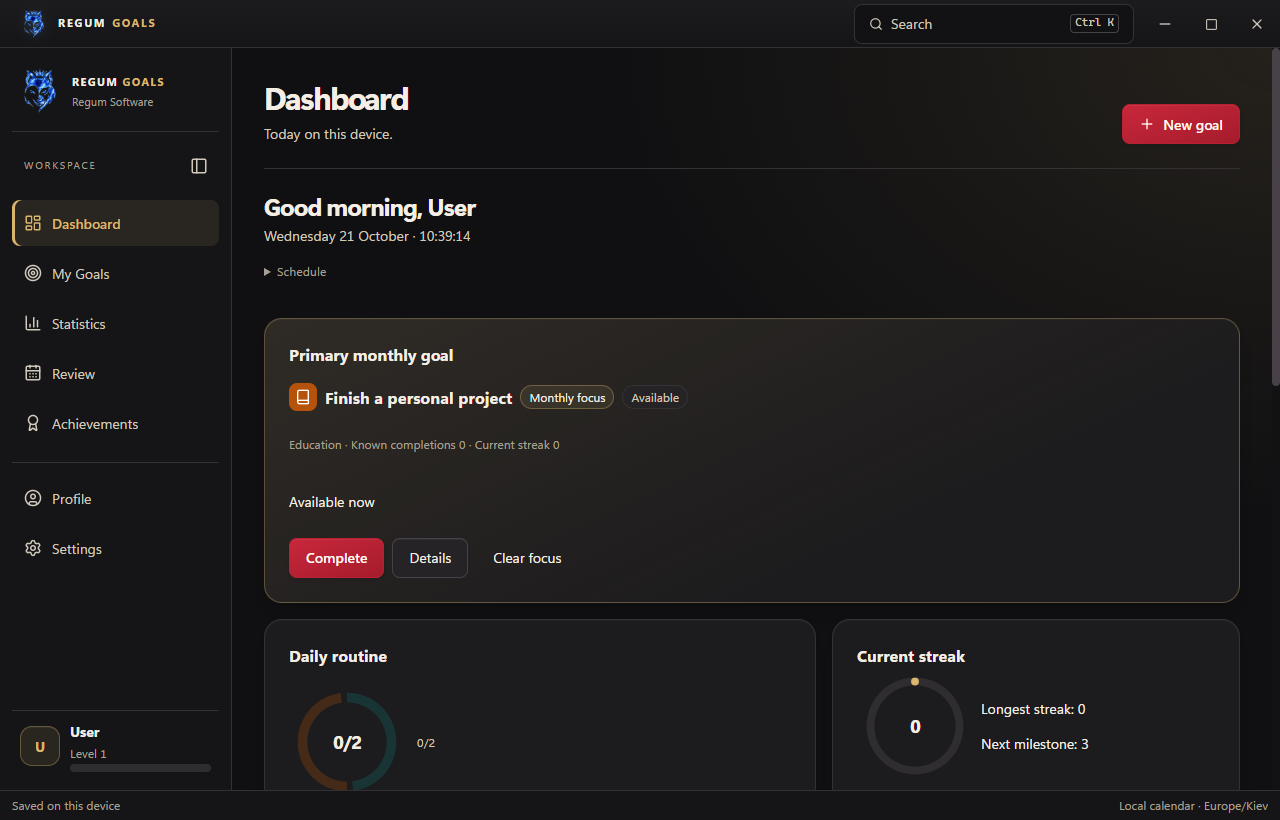
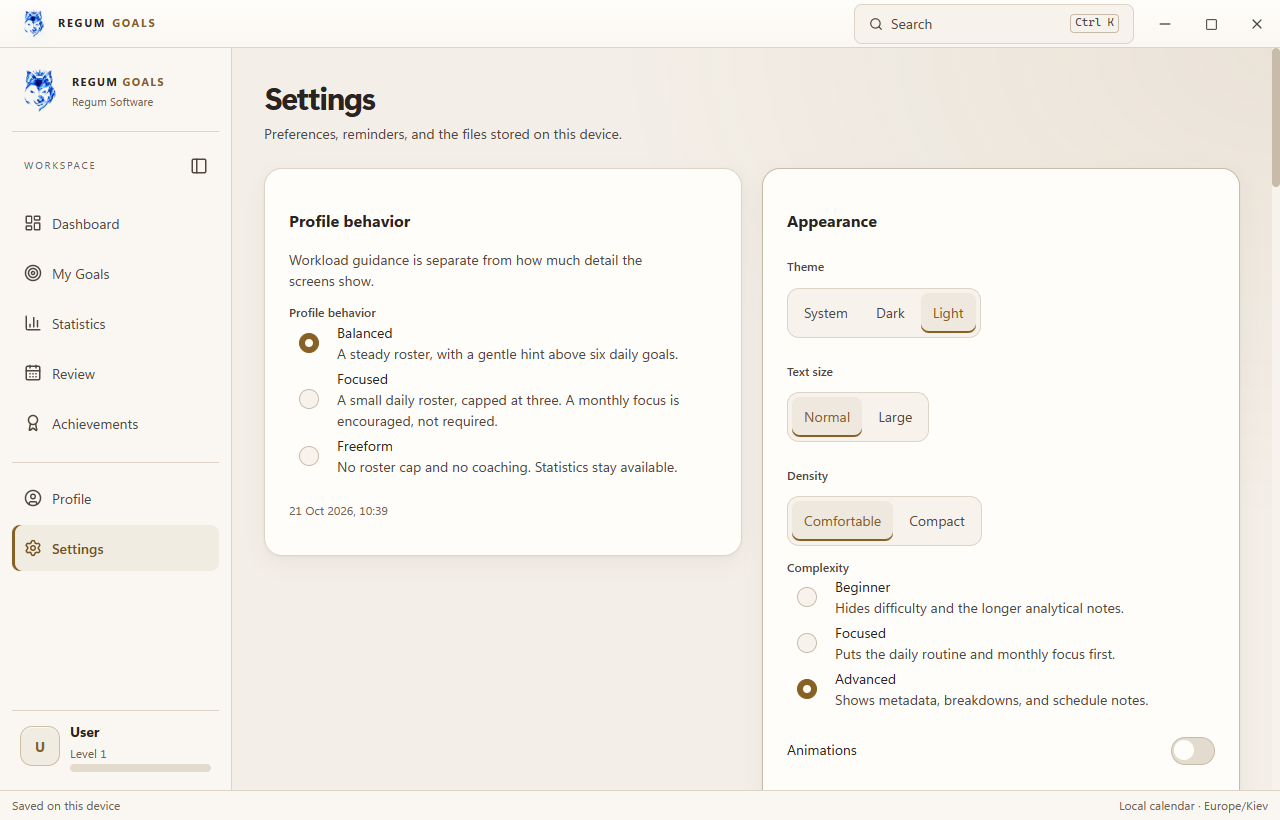
See what is due today, choose a monthly focus, review your week and explore local-date statistics. Pause or archive goals without losing their history, and use local JSON backups, reusable goal templates and previewed imports to manage your data.

Normal use works offline without an account, cloud sync or telemetry. Optional RegumAI control requires a separate RegumAI installation, an enabled local connection and explicit permissions. Proposed changes must be reviewed and approved inside Regum Goals. No AI service is included.

Free for personal use under the included license. The application interface is in English. Requires Windows 10 or 11 x64 and Microsoft Edge WebView2; setup includes an offline WebView2 installer. The local database is not encrypted. Gallery images use demonstration data.

Made for your workflow

What you can do.

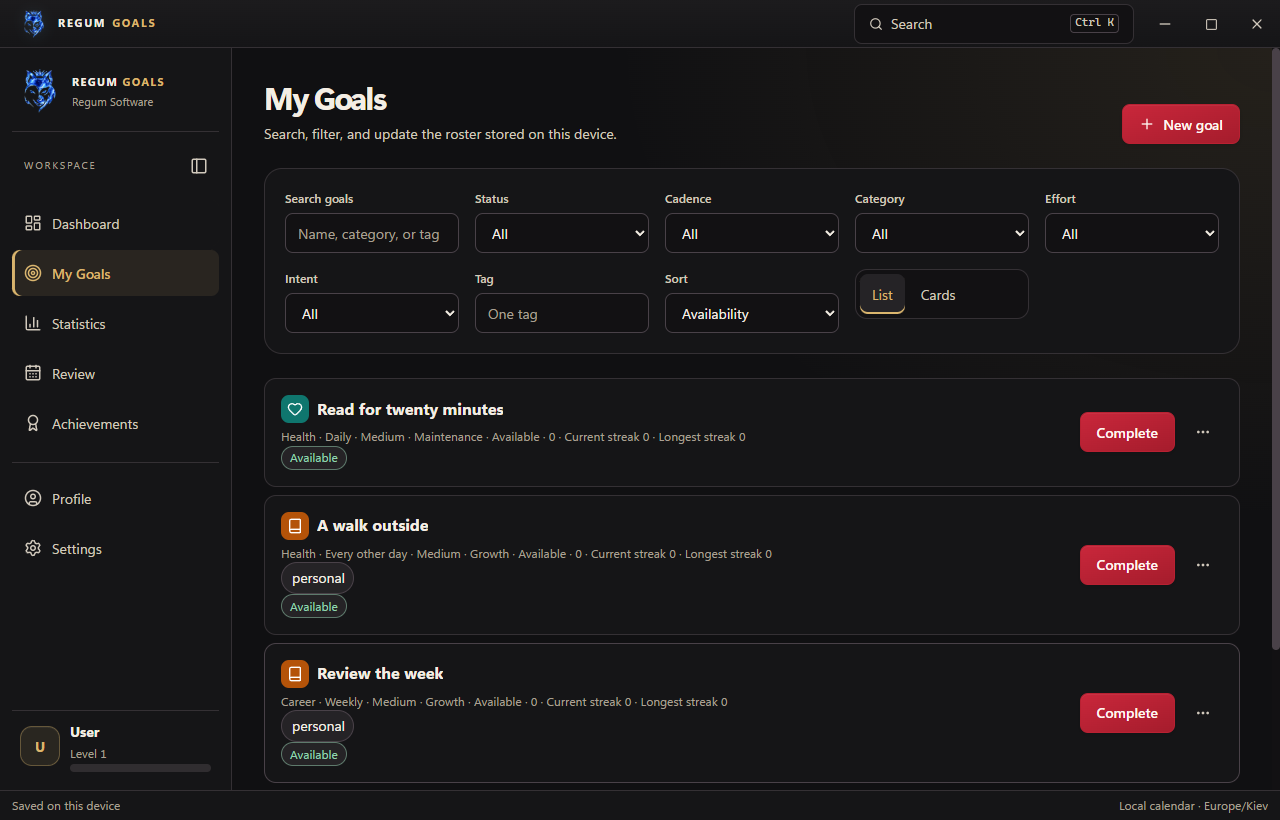
  • Plan daily, every-other-day, weekly and monthly goals, with categories, tags and an optional weekly anchor.
  • See today's routine, pinned goals, monthly focus and recent completions on the dashboard.
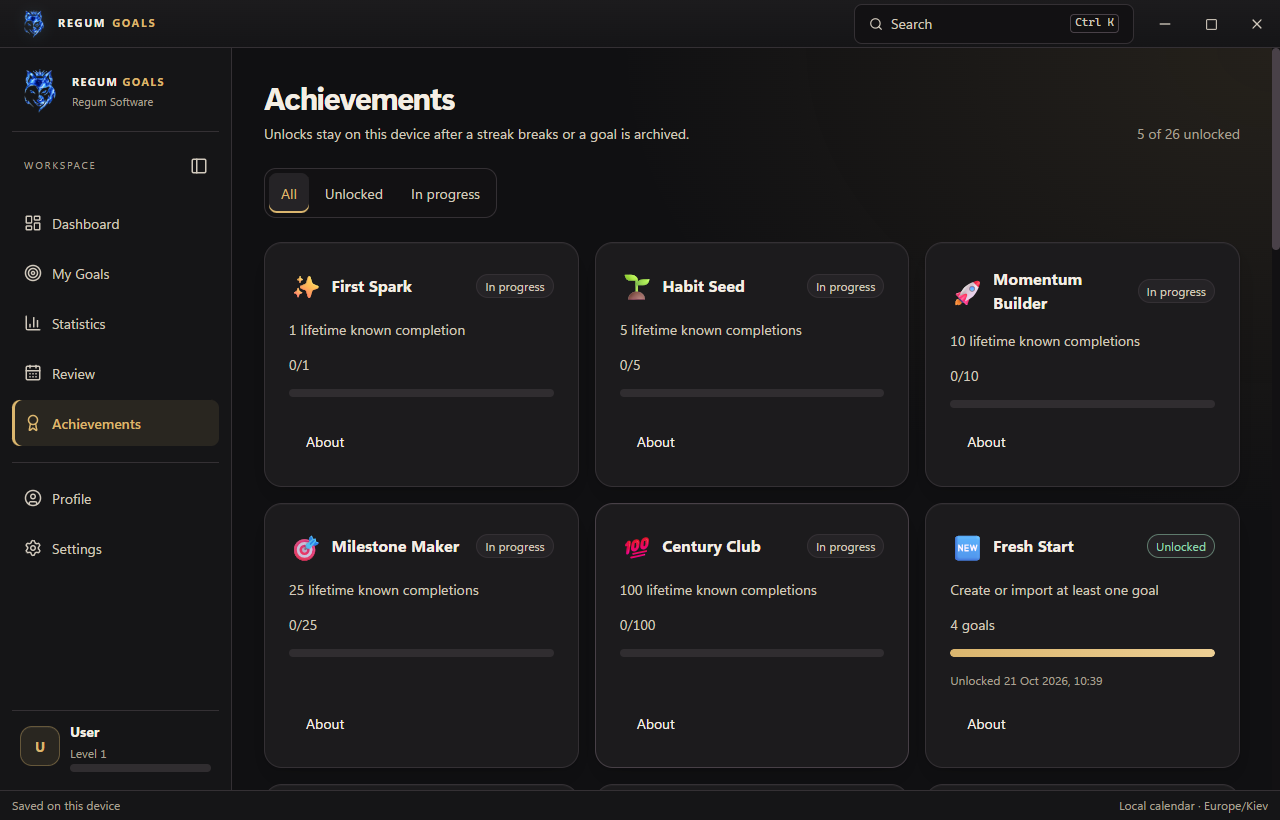
  • Track completion history, streaks, experience points, nine ranks and 26 achievements.
  • Explore statistics, a local-date calendar and a weekly review without sending your history to a cloud service.
  • Pause, archive, duplicate and organise goals; undo an eligible recent completion.
  • Choose dark, light or system appearance, large text, reduced motion, spacing and workload preferences.
  • Use the command palette, optional tray icon, global hotkey and always-on-top Due today window.
  • Create full JSON backups, transfer settings or goal templates, and preview imports before applying changes.
  • Optionally connect RegumAI with separate read, create, update and completion permissions and app-owned approval.

A closer look

Open any image to view it at full size.

Release notes

Version 1.0.0

Regum Goals 1.0.0 brings recurring personal goals, completion history, local statistics, weekly review, experience points and 26 achievements to Windows x64. This build adds an optional RegumAI connection with explicit permissions, app-owned approval and durable request receipts. It also corrects stale goal edits, backup replacement, vacation date boundaries and local connection handling. Close Regum Goals before installing and back up an existing profile. Normal tracking works offline without an account. The interface is English. The included license permits personal use; it does not grant general commercial-use rights.

Keep exploring

More from RegumWeb.

All software
Regum Music
Released

Regum Music

Your music. No subscription. Your control.

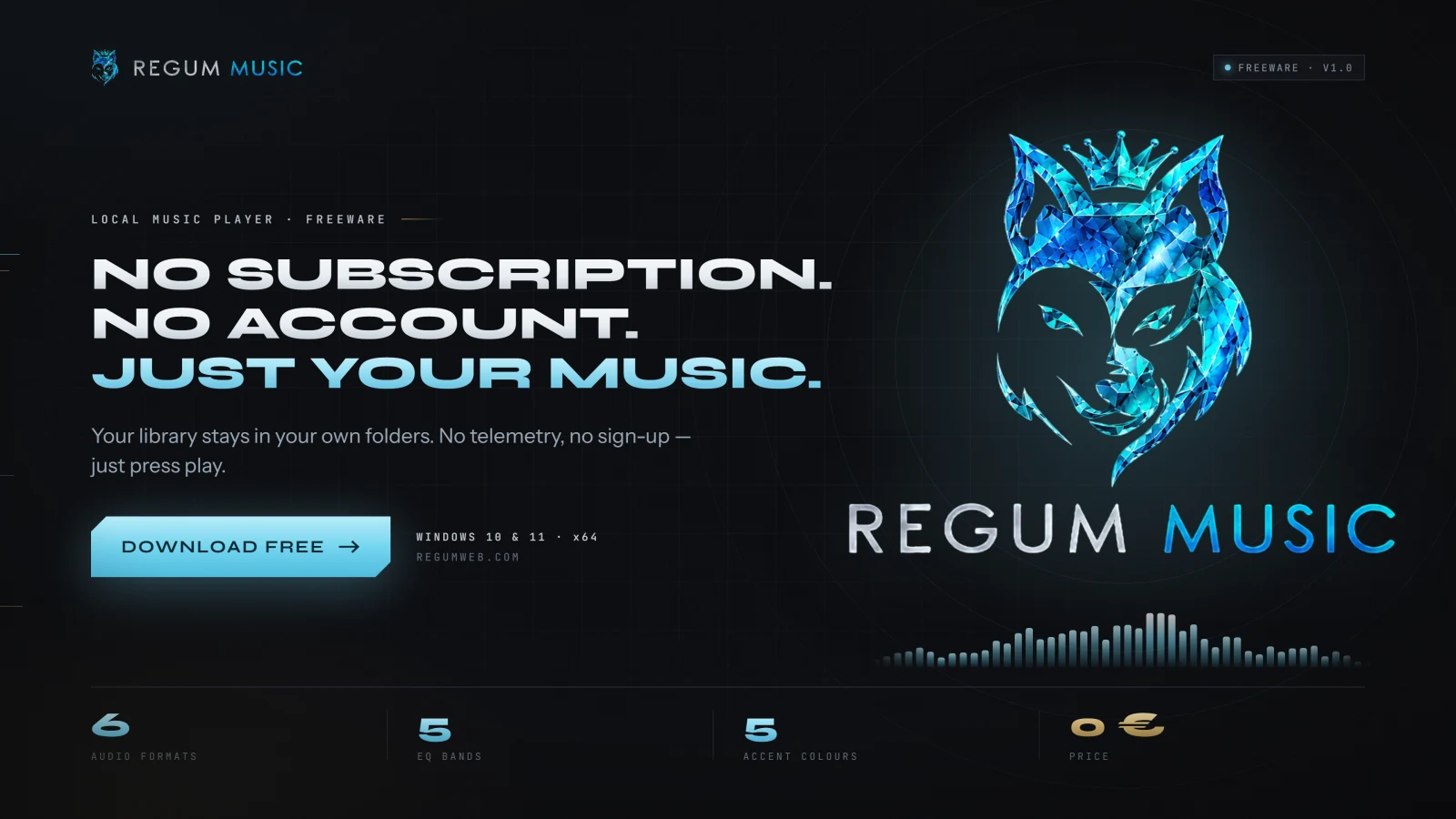
Regum Music is a free local music player for Windows 10 and 11 x64. Bring together the songs already on your computer, find the next track quickly, and listen offline without an account or subscription. Your audio stays in its own folders.

  • Play MP3, FLAC, WAV, Ogg Vorbis, AAC/M4A and AIFF files from your own library.
  • Browse songs, albums, artists, genres and folders; search, rate tracks and save favourites.
  • Edit song, album and artist details inside the library, with corrections preserved through rescans.
Platforms
Windows 10 / 11 · x64
Release date
22.10.2026
Download for Windows — free

Version 1.0.0 10.36 MiB

Installer checksum

Verify published checksums before installing.

SHA-256: 7d1c8f091298c615107205454f3571d51a393c6b8f5e9adbebdeb5c9bb6542dc

Release notes
Regum Music 1.0.0 is now publicly available as a Windows x64 installer signed by RegumWeb OÜ. Freeware for personal and business use. This release includes automatic missing-file cleanup, song/album/artist metadata editing, playlist and queue improvements, and playback fixes. Close Regum Music and connected AI clients before upgrading, and back up your existing profile. The installer preserves your library, playlists and settings; uninstalling preserves the profile too. Supported audio formats are MP3, FLAC, PCM WAV, Ogg Vorbis, AAC/M4A and AIFF. DRM-protected audio is not supported. Online downloads and optional third-party AI connections require their own setup and network access.
RegumPDF
Released

RegumPDF

Every page in order. Your files stay on your PC.

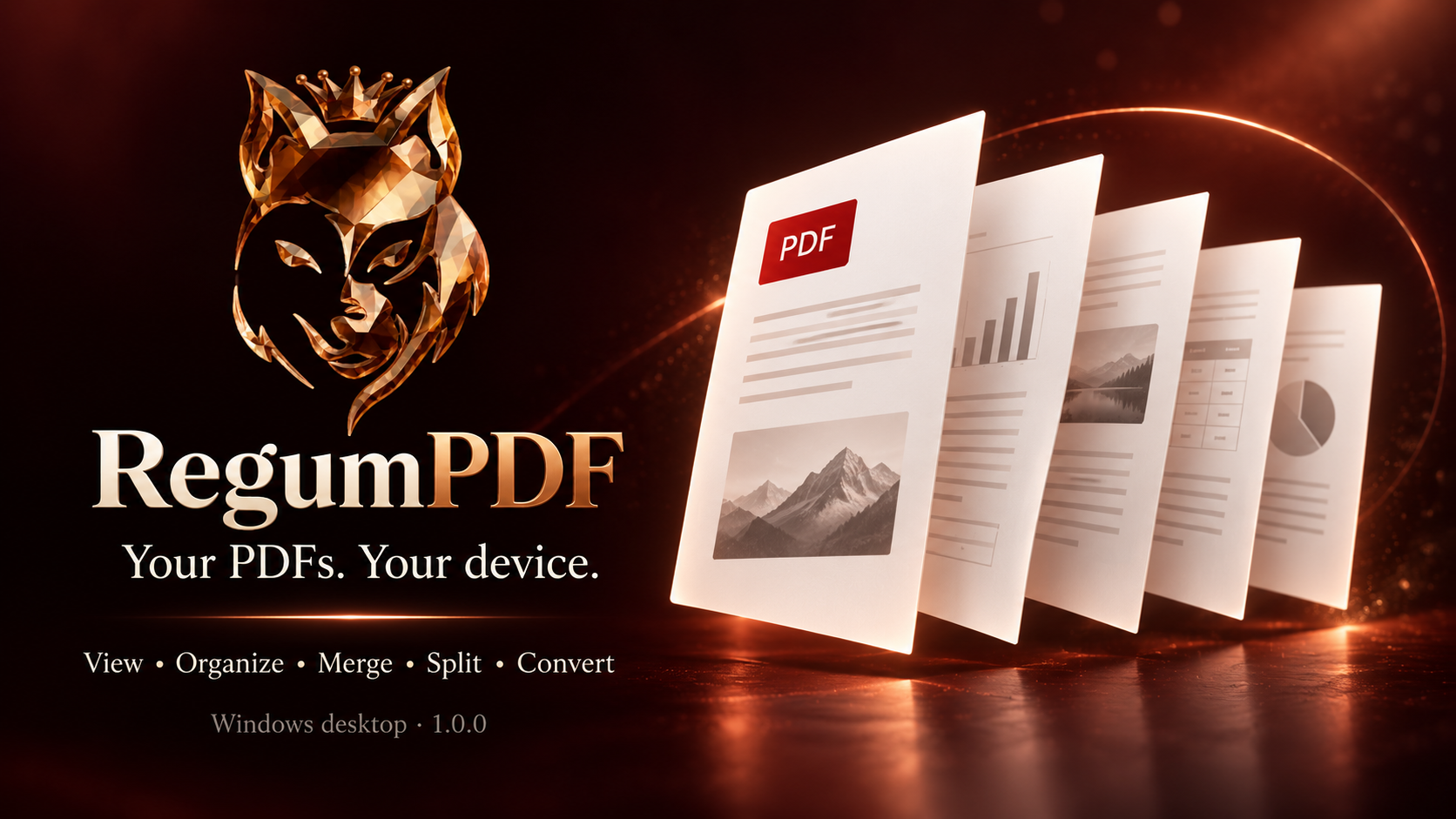
RegumPDF brings everyday PDF work into one local Windows workspace. Read rendered pages, arrange their order, combine documents, split a large PDF or turn images into a document. Save the result as a new file while keeping your source PDFs intact.

  • Read PDFs with page thumbnails, page navigation, fit-to-page or width, zoom and full-screen viewing.
  • Reorder, rotate, duplicate, delete and extract pages; insert another PDF or blank pages, with undo and redo.
  • Merge multiple PDFs in a reviewed order, or open the combined pages in the organizer before saving.
Platforms
Windows 11 · x64
Release date
27.10.2026
Download for Windows 11 (x64)

Version 1.0.0 216.35 MiB

Installer checksum

Verify published checksums before installing.

SHA-256: a3bc41a0acb152fc2c286cc2c197406c8a7648b699187b277919646174f39c20

Release notes
RegumPDF 1.0.0 was rebuilt on 27 October 2026 after a codebase and beta-readiness review. It includes fixes to local export safety, reviewed RegumAI operations and interface reliability. The Windows x64 installer is signed by RegumWeb OÜ. Verified platform: Windows 11 x64. The interface is in English. Setup installs for the current Windows user and bundles Microsoft Edge WebView2 for offline installation when needed. Save your work and close RegumPDF before installing. The optional RegumAI connection remains a preview and is off by default. Choose an approved export folder and approve each export in RegumPDF. Unattended imports and cross-application automation are not included.
RegumVPS
Upcoming

RegumVPS

Your servers, clearly connected.

Bring server health, SSH, Docker and Compose into one clear workspace. Connect an AI assistant through MCP to use the same server-management tools with explicit access controls.

  • MCP connectivity for AI-assisted server workflows
  • Server health, SSH and Docker/Compose in one place
  • Connection profiles, host-key verification and operating-system credential storage
Platforms
Windows
Release date
TBA

Installer downloads will appear here when this product is released.